How to make a signature image
- 0. Paste the rules (optional). Copy the size rules from your form into the box at the top — the pixel size, KB range and format are set for you.
- 1. Draw or upload. Sign with your finger or mouse, or upload a photo of your signature on white paper (Paper signature photo).
- 2. Pick the size. Keep it trimmed to the signature, or enter the exact pixels the form asks for, such as 140×60.
- 3. Pick the file size and format. 10–20KB is selected by default; choose PNG if you need a transparent background.
- 4. Make and download. Check the size shown under the preview before you upload it.
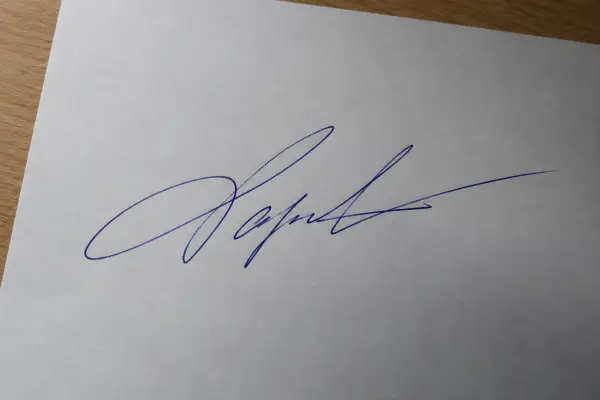 Phone photo of a signature

Signature requirements on online forms
Exam, job and government application forms often ask for a scanned signature as a JPG between 10KB and 20KB, sometimes with fixed dimensions (for example 140×60 pixels or 3.5×1.5 cm). Requirements change between forms and years, so always follow the exact numbers in the official notice.
Tips for a clean signature photo
- Use black or dark blue ink on plain white paper — no lines or grid.
- Photograph it in daylight or under a bright lamp, straight from above, without your phone's shadow.
- Fill most of the photo with the signature; the cleanup trims the rest.
Need a photo too?
Most forms ask for a photo alongside the signature. Use the ID photo resizer to crop it to 3×4 or 3.5×4.5 cm and fit it under the KB limit, or Sign PDF to put your signature straight onto a document.
Uploading certificates and documents as PDF?
The same forms usually cap document uploads too — a mark sheet, caste certificate or ID proof as a PDF under 100KB, 200KB or 500KB. Shrink them to the exact limit with compress PDF to 100KB, 200KB, 500KB or 1MB; the text stays readable. Applying to a bank exam? The IBPS / SBI documents page has the photo, signature, thumb impression and declaration sizes in one place.
Exam-by-exam numbers with their sources: photo and signature sizes for RRB, SSC, UPSC, NEET and IBPS. Applying for UGC NET December 2026? UGC NET photo and signature size covers the live photo and the new 10–50KB signature limit. Step by step: how to make a clean signature image.