How to make a signature image
- 1. Draw or upload. Sign with your finger or mouse, or upload a photo of your signature on white paper.
- 2. Pick the size. Keep it trimmed to the signature, or enter the exact pixels the form asks for, such as 140×60.
- 3. Pick the file size and format. 10–20KB is selected by default; choose PNG if you need a transparent background.
- 4. Make and download. Check the size shown under the preview before you upload it.
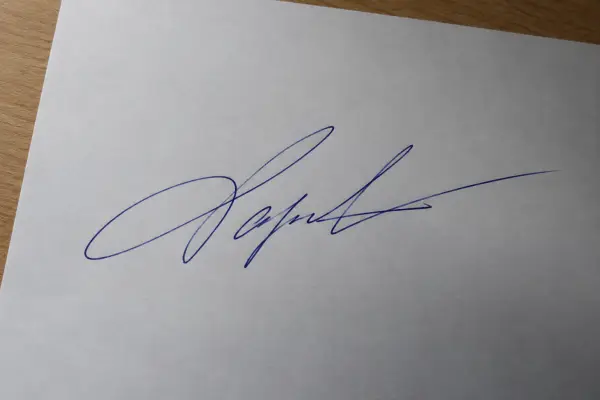 Phone photo of a signature
Signature requirements on online forms
Exam, job and government application forms often ask for a scanned signature as a JPG between 10KB and 20KB, sometimes with fixed dimensions (for example 140×60 pixels or 3.5×1.5 cm). Requirements change between forms and years, so always follow the exact numbers in the official notice.
Tips for a clean signature photo
- Use black or dark blue ink on plain white paper — no lines or grid.
- Photograph it in daylight or under a bright lamp, straight from above, without your phone's shadow.
- Fill most of the photo with the signature; the cleanup trims the rest.
Need a photo too?
Most forms ask for a photo alongside the signature. Use the ID photo resizer to crop it to 3×4 or 3.5×4.5 cm and fit it under the KB limit, or Sign PDF to put your signature straight onto a document.