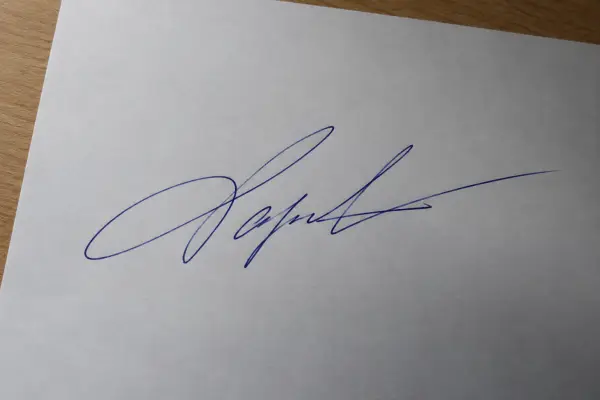
Your signature,
the right size.

Draw it or snap a photo of it. Get a clean JPG or transparent PNG at the exact pixels and KB your form asks for.

⚡ Instant 🔒 Private 🆓 Free 📦 No install
Want to sign a PDF document instead? Sign PDF →
Check the form's instructions — many ask for a signature between 10KB and 20KB.
Upload forms usually accept only JPG. For putting on documents, a transparent PNG looks cleaner.

How to make a signature image

Photo of a signature on paperPhone photo of a signature
Cleaned signature with a transparent background
Cleaned, trimmed, transparent PNG

Signature requirements on online forms

Exam, job and government application forms often ask for a scanned signature as a JPG between 10KB and 20KB, sometimes with fixed dimensions (for example 140×60 pixels or 3.5×1.5 cm). Requirements change between forms and years, so always follow the exact numbers in the official notice.

Tips for a clean signature photo

Need a photo too?

Most forms ask for a photo alongside the signature. Use the ID photo resizer to crop it to 3×4 or 3.5×4.5 cm and fit it under the KB limit, or Sign PDF to put your signature straight onto a document.


Signature Image Maker — FAQ

How do I resize my signature to 20KB?

Draw your signature or upload a photo of it, choose Under 20KB (or 10–20KB) as the file size and click Make signature image. SlimIO trims the empty space and keeps the sharpest version that fits.

The form says the signature must be between 10KB and 20KB. Can this do that?

Yes. Choose 10–20KB. SlimIO keeps the best quality under 20KB, and if a small signature still comes out under 10KB, it adds harmless padding data to the file so it meets the minimum — the picture itself doesn't change.

How do I get a clean signature from a photo?

Sign in black or dark blue ink on plain white paper, take the photo in good light, then upload it. Clean up background turns the paper pure white (or transparent for PNG) and crops to the ink.

Can I make a signature with a transparent background?

Yes. Choose PNG — transparent background. It's ideal for placing on documents. Many upload forms only accept JPG, which always has a white background.

Is my signature uploaded anywhere?

No. Drawing, cleanup and resizing all happen in your browser. Your signature never leaves your device.

NewID & passport photos, sized rightDrag the frame onto your face, pick 3×4 or 3.5×4.5 cm and stay under the KB limit.Make an ID photo →

More free tools

PDF tools

🗜️Compress PDFSmaller files, text kept sharp ➕Merge PDFCombine multiple PDFs into one ✂️Split PDFExtract pages or split by range 🗑️Remove PagesDelete pages from a PDF 🔄Rotate PDFTurn pages 90/180/270° 🗂️Organize PDFReorder, rotate or delete pages 🔢Page NumbersNumber every page of a PDF 💧Watermark PDFStamp text on every page ✍️Sign PDFPut your signature on any page 🖼️PDF to JPGConvert pages to images 📷JPG to PDFTurn photos into one PDF

Photo & signature tools

🪪ID PhotoPassport & ID sizes, under the KB limit 🇺🇸US Visa Photo600×600 for the DS-160, under 240KB 🏦Bank Exam DocumentsIBPS / SBI photo, signature, thumb, declaration 📸Compress ImageShrink photos to any KB